Assess the process.
Make progress visible.
ebalua brings indicators, evidence and assessments together on a single platform: less admin work for teachers and a clear view of every student's progress for the leadership team.
Sample school
EWEmma WilsonStudent
Volume of shapes
Solar system model
Over 5,000 students already make their progress visible with ebalua
A portfolio for competency-based assessment, not a program for handing out marks
ebalua accompanies every student throughout their education. It gathers their evidence, their reflection and their teachers' feedback so that learning can be seen not only by students and teachers but also by families, and not only at the end of the term but at any time.
Clear indicators
Turn the official curriculum into observable indicators that your students understand and can use to assess their own learning.
Organised evidence
Tasks, tests, exercises, photos, presentations, audio, video and more: every indicator has its evidence, and everything is recorded year after year.
Learning dialogue
Compare students' self-assessment (assessment as learning) with teachers' assessment (assessment for learning) to encourage a conversation between them about what has been learnt, how, and how it can be improved.
Once it's up and running, ebalua saves you work The indicators are already defined, the evidence arrives organised and the information is ready when you need it.
Competency as learning, step by step
ebalua starts from the knowledge and competencies students need to learn and turns them into customised assessment indicators that clearly show what has been learnt.
It starts from the specific competencies and assessment criteria of the official curriculum.
The school turns the assessment criteria into clear, understandable and observable indicators that support learning. It can use the ones already in the repository as a model, adapt them or create its own.
Learning situations are designed to develop the competencies linked to the assessment criteria and indicators.
Students show what they have learnt through tasks, tests, exercises, photos, presentations, audio, video and more.
Each student rates their level of achievement in each area of learning and can also assess their classmates'.
The teacher assesses each student's level of achievement and can leave specific written or spoken feedback for each assessment: what specific improvement the student should make, how and when.
If the student's assessment and the teacher's differ, a dialogue opens to clarify things and guide the student. The feedback is clarified, goals for improvement are agreed and learning is redirected. For the student, it's a chance to explain themselves, show where they are struggling and ask for help and advice.
The student knows what they have achieved, what is still missing and what their next step is.
Students learn to understand their learning
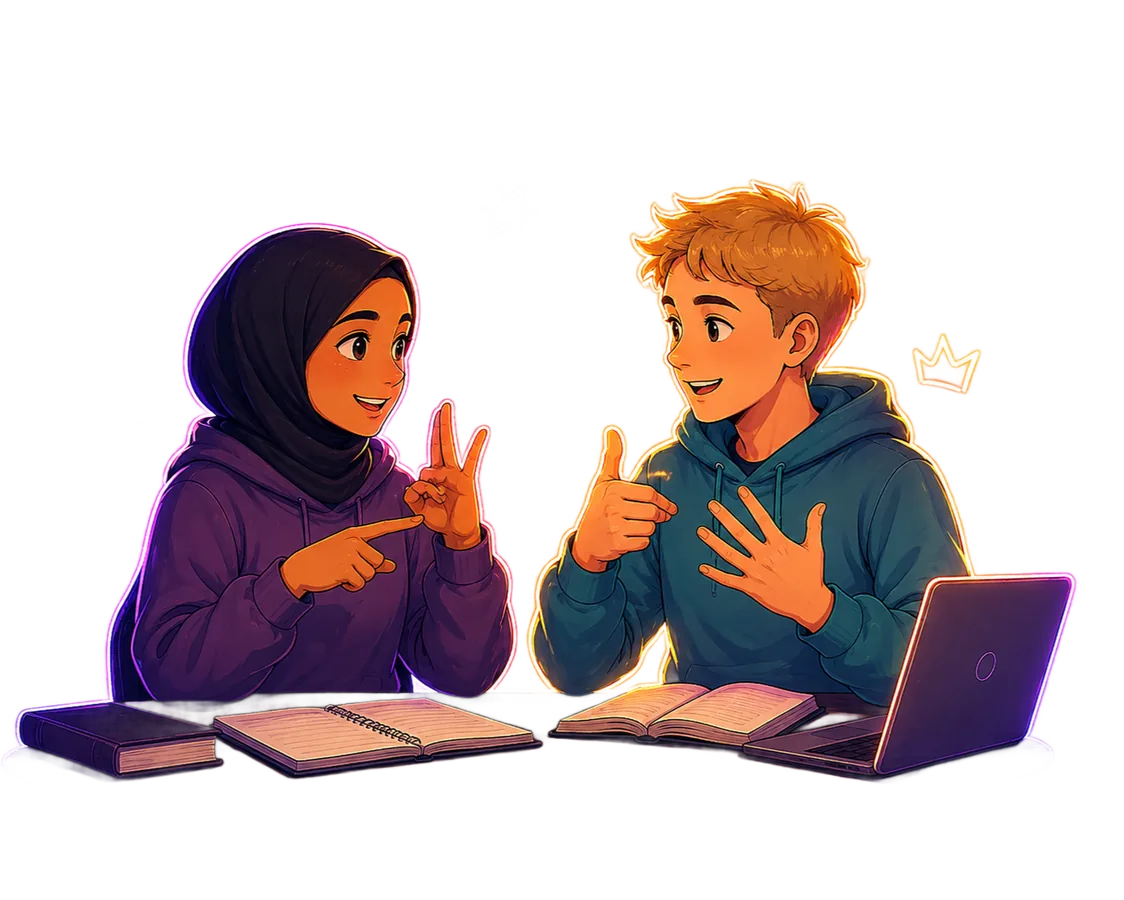
After each activity, students review the indicators they have worked on, assess themselves and add a piece of evidence. This makes them more independent and shows exactly where their learning has stalled.
- Indicators written so that students understand them, such as "I can explain the causes of climate change and relate them to their consequences".
- Peer assessment of final work and group projects based on agreed indicators or rubrics.
- A record of their whole education, not a one-off snapshot of each term.
Natural sciences
Solar system model
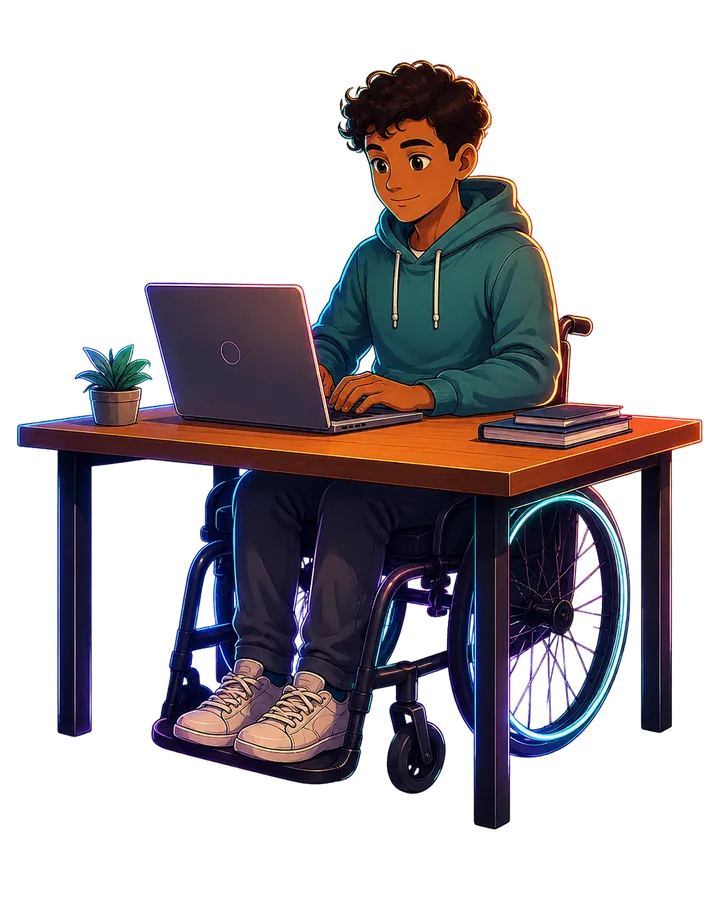
Every student can show what they can do
You can personalise the indicators for each student: how they are worded, what evidence demonstrates them or under what conditions they are assessed. Personalising isn't lowering expectations; it's making assessment fair and accessible.
ebalua organises the information. The decisions are still yours.
ebalua doesn't replace your professional judgement. You choose the indicators, design the activities, decide which evidence counts and assess achievement. The tool makes sure everything is recorded and to hand.
- Indicators, evidence and assessments in one place, with no spreadsheets or loose papers.
- Information ready for assessment meetings and final grades.
- Written feedback that students can check whenever they need to.
- If you're new to a school, you quickly understand how it assesses and where each class stands.
All ready, no spreadsheets
Year 3 ESO · Class B
How your day-to-day changes
A shared assessment language for the whole school
ebalua turns assessment into a tool for coordinating teaching. All the staff share indicators, criteria and a common view of students' progress.
- Indicators tracked by subject and year.
- Meetings about competencies, evidence and progress, not just marks.
- Early detection of difficulties and of the support needed.
- Your own system, adapted to your school's educational project and within the curriculum framework.
Sample school
EWEmma WilsonStudent
AI that answers your questions instantly
ebalua includes an AI assistant that instantly answers questions from students, teachers and families about using the platform, so nobody gets stuck.
Help assistant
For all users. An assistant built into the platform instantly answers questions about using it, points out the exact button or section on screen and guides you step by step.
- Privacy by design: the assistant only looks at the user documentation, never at students' personal data, and the model is not trained on the conversations.
- Only real information: if it doesn't know the answer, it says so and passes the question on to a person.
- Each profile gets the help it needs: students, teachers and coordinators don't see the same things.
- You always get an answer: if your question wasn't covered, it lets you know as soon as the answer is ready.
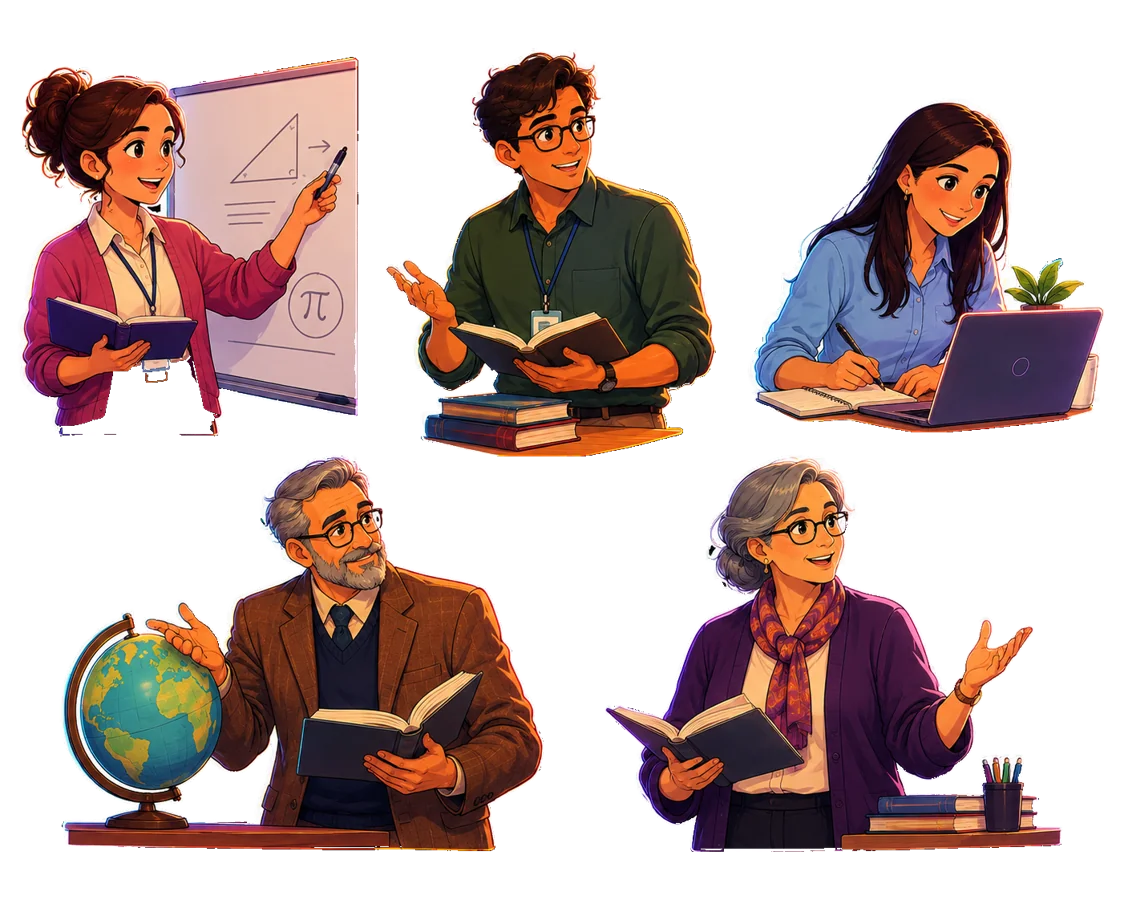
Made by teachers and developers, working together
ebalua has been developed by a coordinated team of teachers specialising in competency-based assessment and developers with extensive experience in building educational software. That's why it reflects what really happens in the classroom.
Teachers who are experts in competency-based assessment
They know first-hand what the classroom needs and have designed every feature from practice.
Educational software developers
Extensive experience building digital tools for schools.
The experience of one of the schools already using ebalua
Writing the indicators takes time because you have to define very clearly what we want our students to learn, but it sparks a dialogue among the staff that brings the school together and aligns it around a shared, agreed purpose. Once that work is done, day-to-day work is much smoother.
 Susanna Soler SabanésHead teacher · Institut Montgròs
Try it free at your school for 8 weeks, work out the price of your licence based on your number of students, or find answers in the FAQ.
We'll show you how it would work at your school
Tell us who you are and we'll get in touch to arrange a presentation or answer your questions. No commitment.
- A session with the ebalua team, tailored to your school.
- Examples of indicators, evidence and self-assessments.
- Answers to your questions about getting started.
Would you rather try it straight away at your school?
Free demo for 8 weeks, with everything set up and ready to go.
Get the demo